
CA: FKzELFo7AtkAkJwBs412sutQrMyNRutUUpuijNccpump
Steve AI — The Cursor for Minecraft
An AI that plays Minecraft with you.
What Steve Can Do
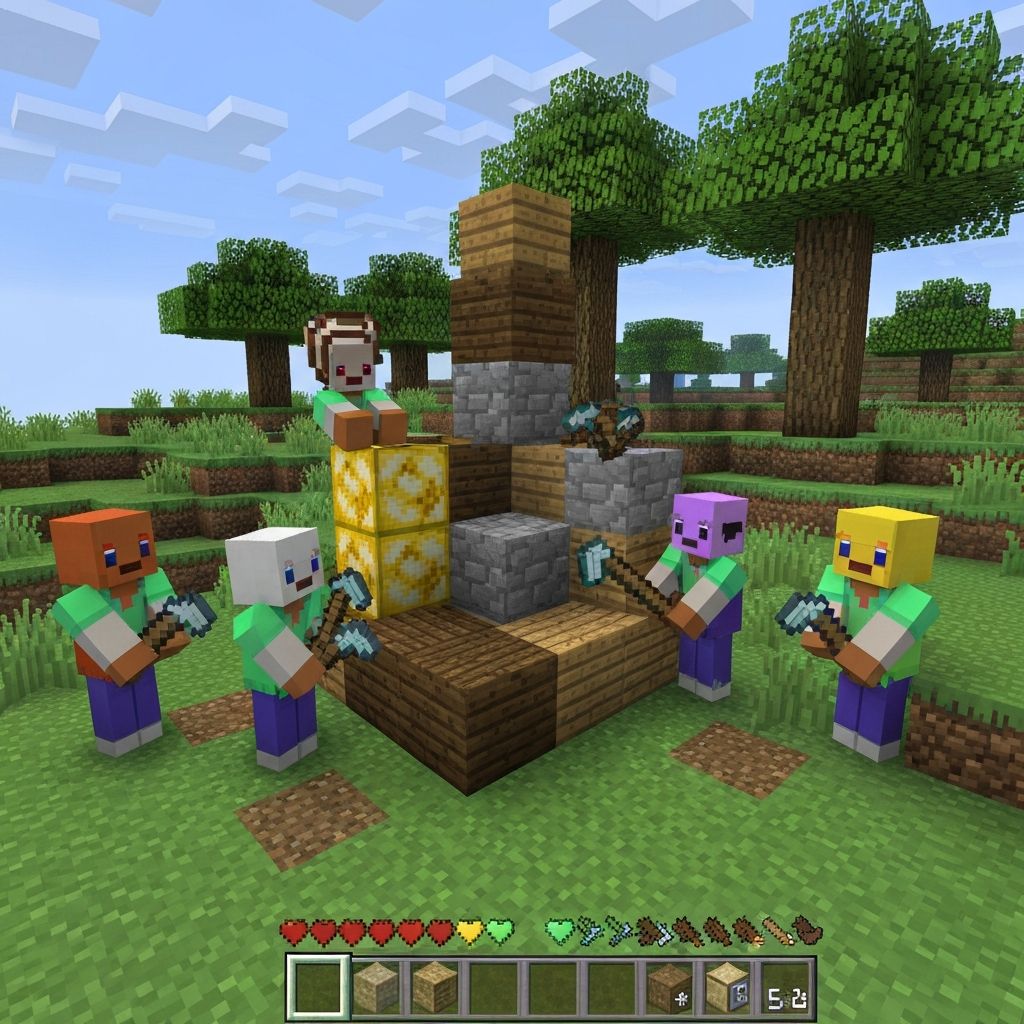
Build
The agents build whatever you ask them to.
Collaborate
Agents work together to finish tasks faster.

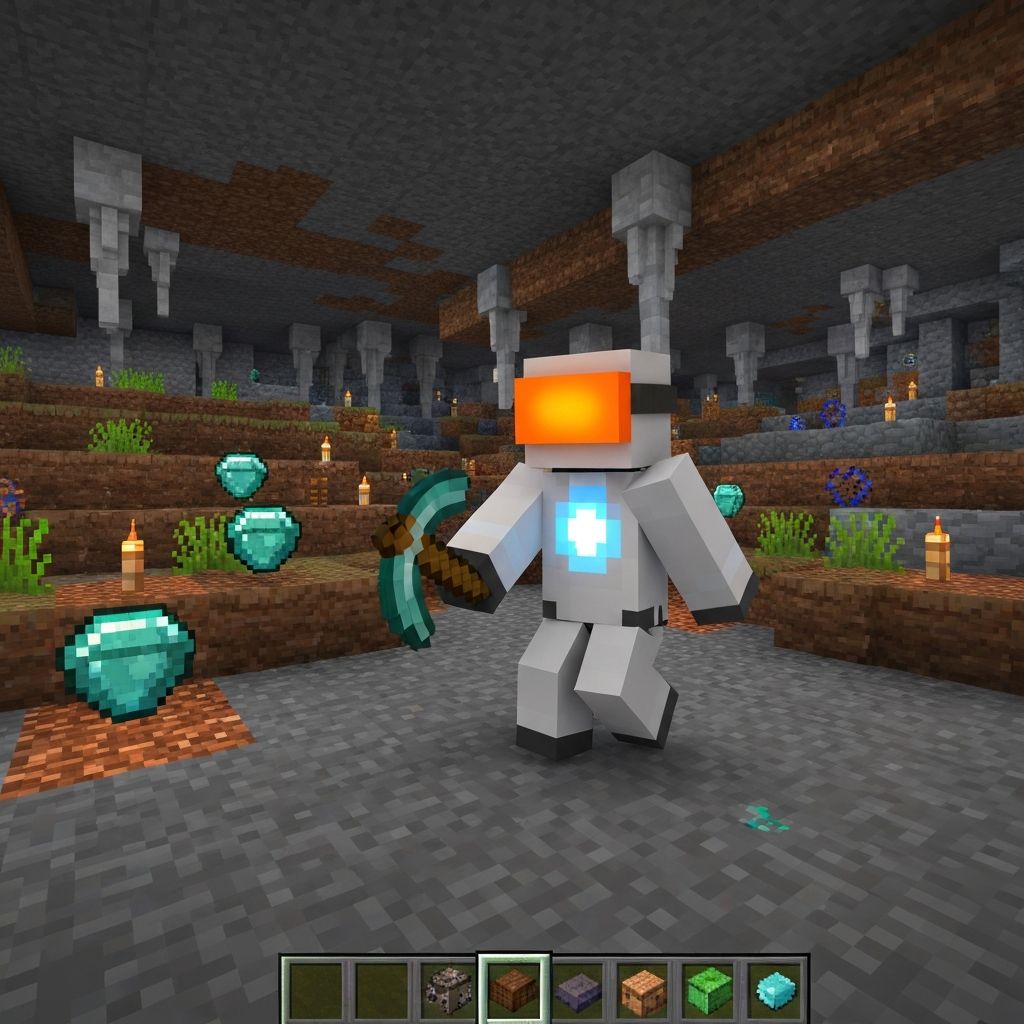
Mine
They can mine for resources and bring them back to you.
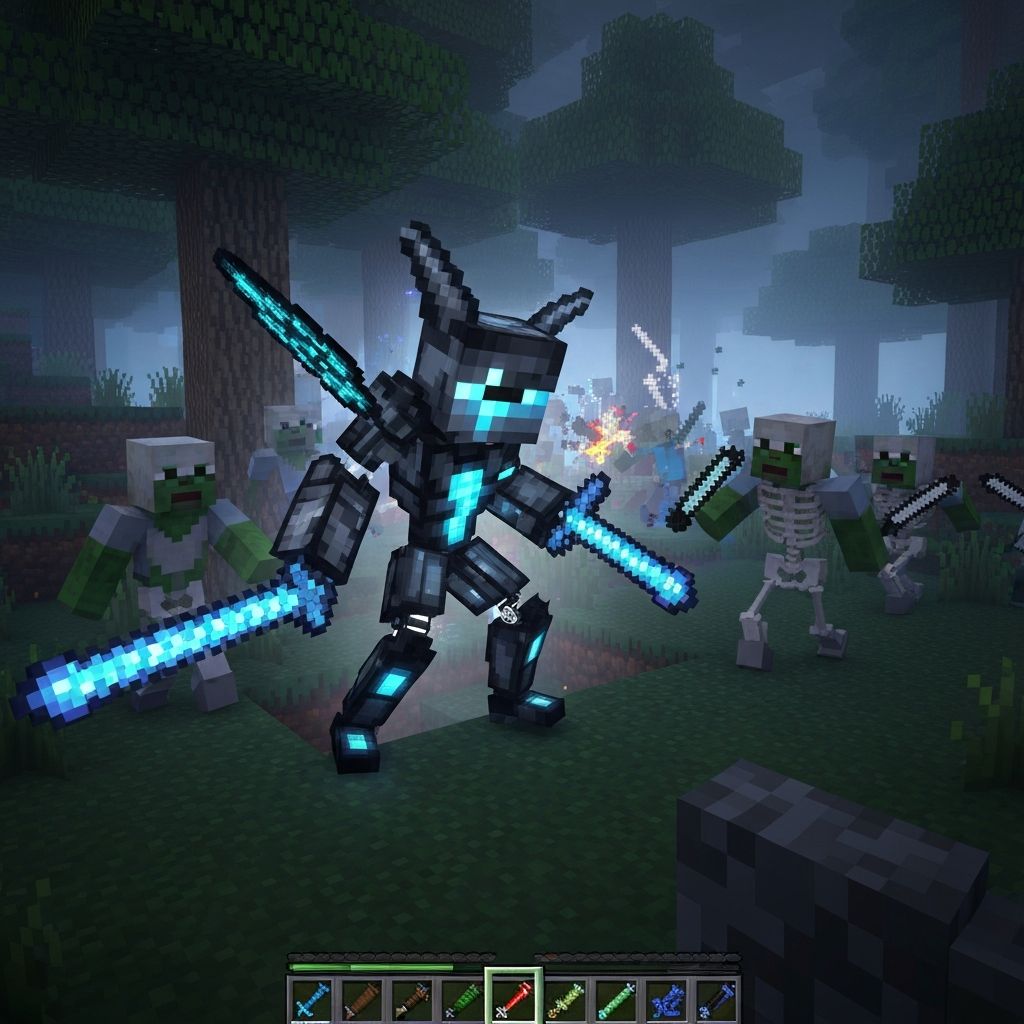
Fight
They even fight mobs and animals — all through your commands.
About Steve AI
Steve AI is your autonomous companion in Minecraft. Command agents through natural chat, watch them execute complex tasks independently, and collaborate on ambitious builds without lifting a block yourself.
Truly Autonomous
Steve operates independently. Give a command and watch as agents navigate, gather, build, and complete objectives on their own.
Collaborative AI
Multiple agents coordinate seamlessly. They distribute tasks, share resources, and work together like a real team.
How It Works
Give Commands
Type what you want done in chat. Natural language commands make it simple.
Agents Execute
Watch AI agents spring to action, planning and performing tasks autonomously.
Sit Back
Relax while your virtual crew handles the heavy lifting. Your vision, their labor.
Command Reference
1. Command Prefix
All AI commands begin with:
/steveai <agent|group> <action> [parameters]2. Examples of Core Commands
Build Commands
/steveai everyone build house/steveai alex build farm 10x10/steveai bob build bridge across riverMining Commands
/steveai charlie mine diamonds depth=40 radius=10/steveai everyone gather iron until full/steveai steve tunnel direction=east length=50Resource Collection
/steveai alex chop wood count=20/steveai bob collect sand near=water/steveai everyone gather food type=meatCombat Commands
/steveai everyone hunt mobs range=50/steveai bob defend player=you/steveai charlie attack target=zombieMovement / Exploration
/steveai everyone follow player
/steveai alex patrol area radius=30
/steveai steve explore biome=desert
Utility / Collaboration
/steveai team status
/steveai everyone regroup at base
/steveai alex assist bob
/steveai charlie deliver resources to chest
3. AI Behavior Parameters (Optional)
Commands can include 'AI behavior flags' that fine-tune how agents act:
--mode passive|aggressive|creative
--speed slow|normal|fast
--efficiency high|balanced|safe
--awareness on|off
Example:
/steveai everyone mine diamonds --mode safe --efficiency high4. Response System
Agents would reply in chat-like syntax:
[Steve AI] Executing: everyone build house
[Alex] Collecting wood...
[Bob] Crafting planks...
[Charlie] Constructing frame...
[System] Task complete — house built at (102, 64, -220)
Stop grinding. Start commanding.
With Steve AI, your Minecraft world becomes a collaborative adventure where anything is possible.